and runs during HTML parse, but hubspotutk is set by
js.hs-analytics.net, measured loading at ~834ms. On a first visit the cookie
does not exist yet, so a single read returns nothing and the visitor gets no
external ID at all — and a first visit is exactly what an ad click is. So
poll briefly until HubSpot sets it. The SDK loads lazily (~4.5s) and replays
a queue, so an init queued a second or two in still lands before any events
are transmitted. */
(function attachExternalId() {
var attempts = 0;
var MAX_ATTEMPTS = 40; /* 40 x 200ms = 8s, then give up quietly */
var timer = null;
function tryAttach() {
var raw = getExternalId();
if (!raw) {
if (++attempts >= MAX_ATTEMPTS && timer) clearInterval(timer);
return;
}
if (timer) clearInterval(timer);
sha256Hex(raw).then(function (hash) {
oaiq("init", { user: { external_id_sha256: hash } });
}).catch(function () {});
}
tryAttach(); /* returning visitor: immediate */
if (!getExternalId()) timer = setInterval(tryAttach, 200);
})();
/* ---------------------------------------------------------------------------
2. Load the SDK off the critical path
Whichever comes first: the main thread going idle after load, or the first
sign of real user intent. No preconnect on purpose — a TLS handshake during
LCP for a script we deliberately deferred is a net loss.
Measured on clickpost.ai: load event 3614ms, SDK fetched 4508ms.
------------------------------------------------------------------------ */
var loaded = false;
var INTENT = ["pointerdown", "keydown", "scroll"];
function loadSdk() {
if (loaded) return;
loaded = true;
INTENT.forEach(function (t) { removeEventListener(t, loadSdk, { passive: true }); });
var s = document.createElement("script");
s.src = SDK;
s.async = true;
s.fetchPriority = "low";
document.head.appendChild(s);
}
INTENT.forEach(function (t) {
addEventListener(t, loadSdk, { passive: true, once: true });
});
addEventListener("load", function () {
window.requestIdleCallback
? requestIdleCallback(loadSdk, { timeout: 2500 })
: setTimeout(loadSdk, 1500);
}, { once: true });
/* ---------------------------------------------------------------------------
3. Conversion id
sha256(lowercase(email) + "|" + formId + "|" + ISO-hour), first 20 hex,
"lead_" prefix.
- email lowercased/trimmed so casing does not fork the id
- formId keeps two different forms in the same hour from colliding
- the hour bucket is only the server's fallback; the id computed here is
sent to the relay verbatim, so the two paths cannot disagree even when
a submit straddles an hour boundary
Ads Manager's own sample omits event_id. We send it so the pixel event and
the relay event collapse into one conversion instead of counting twice.
------------------------------------------------------------------------ */
function buildEventId(email, formId) {
var seed = [
String(email || "").trim().toLowerCase(),
String(formId || ""),
new Date().toISOString().slice(0, 13)
].join("|");
return crypto.subtle.digest("SHA-256", new TextEncoder().encode(seed)).then(function (buf) {
var hex = Array.prototype.map.call(new Uint8Array(buf), function (b) {
return b.toString(16).padStart(2, "0");
}).join("");
return "lead_" + hex.slice(0, 20);
});
}
/* Guards a re-fire from the history.pushState that book-a-demo-core.js runs
after submit, and from back-navigation onto the same state. */
function firedOnce(id) {
try {
if (sessionStorage.getItem("oaiq_" + id)) return true;
sessionStorage.setItem("oaiq_" + id, "1");
return false;
} catch (e) {
return false; /* private mode / blocked storage: fire rather than lose it */
}
}
/* Path 2. keepalive lets the request finish even if the page navigates away.
Failures are swallowed deliberately: a reporting call must never surface an
error to someone who just submitted a form.
The relay hashes the email server-side into user.emails_sha256 and adds the
caller's IP and user agent, so this event carries the same match signals the
pixel gets for free. */
function sendToRelay(email, formId, eventType, eventId) {
try {
var payload = {
token: RELAY_TOKEN,
email: email,
form_id: formId || "",
event_type: eventType,
event_id: eventId, /* verbatim, so both paths always match */
source_url: location.href
};
var oppref = getOppref();
if (oppref) payload.oppref = oppref;
var externalId = getExternalId();
if (externalId) payload.external_id = externalId;
fetch(RELAY_URL, {
method: "POST",
keepalive: true,
headers: { "Content-Type": "application/json" },
body: JSON.stringify(payload)
}).catch(function () {});
} catch (e) {}
}
/* Capture the email while the form is still on the page. onFormSubmitted does
not reliably carry submissionValues, and by then the form may be removed. */
var lastEmail = "";
document.addEventListener("submit", function (e) {
var f = e.target;
if (!f || !f.querySelector) return;
var i = f.querySelector('input[name="email"], input[type="email"]');
if (i && i.value) lastEmail = i.value;
}, true);
/* Every HubSpot form on the site reports through this one message event, so no
module or theme JS needs editing to add coverage. */
window.addEventListener("message", function (e) {
var d = e.data;
if (!d || d.type !== "hsFormCallback" || d.eventName !== "onFormSubmitted") return;
var email = (d.data && d.data.submissionValues && d.data.submissionValues.email) || lastEmail;
if (!email) return; /* without an email there is no stable id to dedupe on */
var eventType = EVENT_BY_FORM[d.id] || EVENT_DEFAULT;
buildEventId(email, d.id).then(function (id) {
if (firedOnce(id)) return;
oaiq("measure", eventType, { type: DATA_TYPE }, { event_id: id }); /* path 1 */
sendToRelay(email, d.id, eventType, id); /* path 2 */
});
});
})();
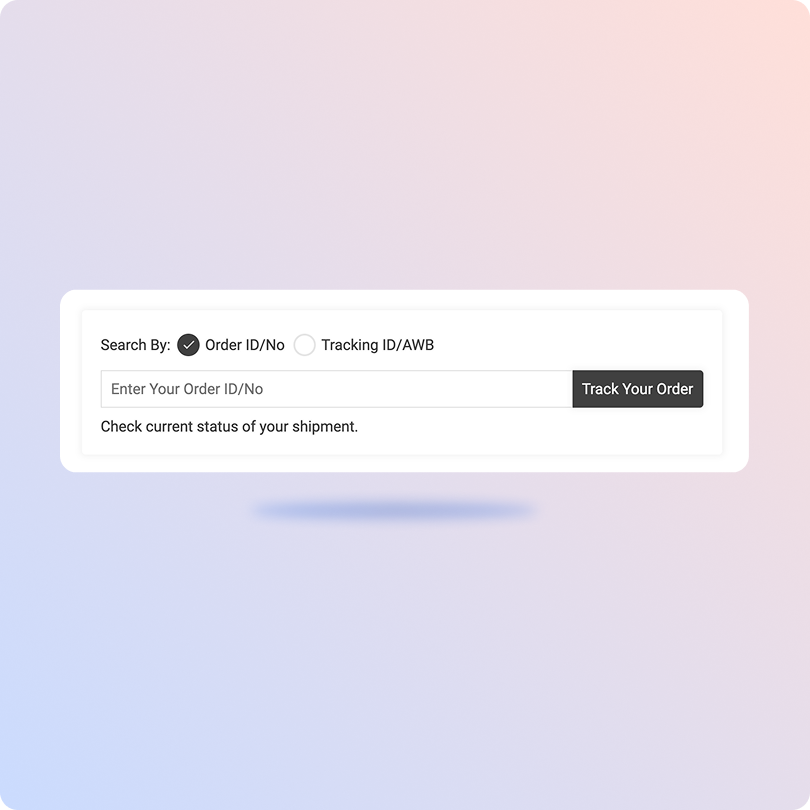
Track Jeebly Packages with the ClickPost Tracking Page
Gather your Jeebly tracking numbers.
Visit the Clickpost Tracking Page
Input the tracking IDs in the designated field.
Tap the ‘track’ option to monitor order status and details.
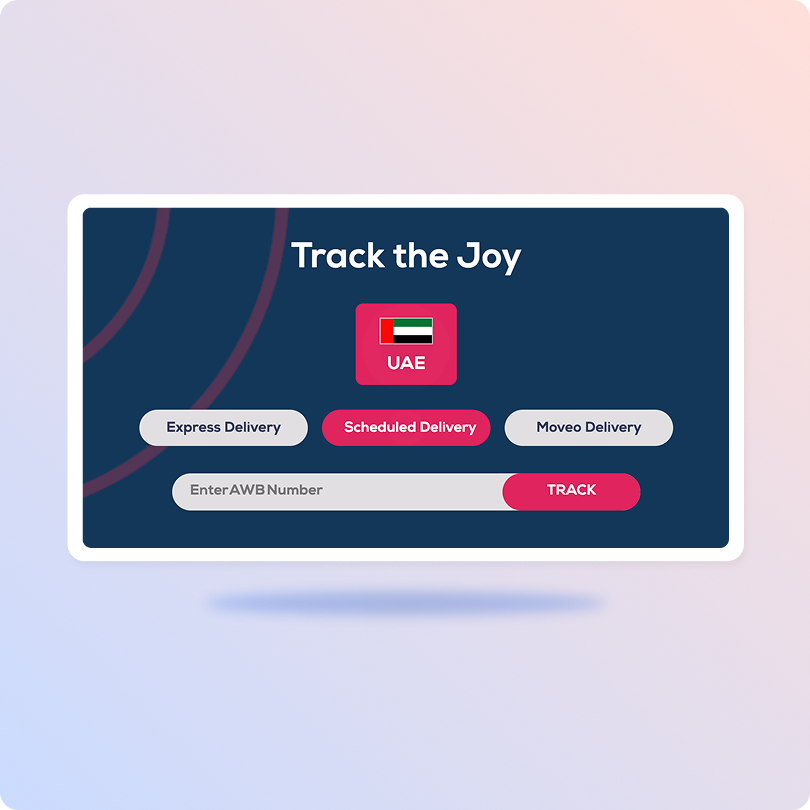
Track Jeebly Packages on the Official Page
Visit Jeebly’s website and click “Track the Joy”.
Enter AWB number in given field.
The portal accepts AWBs for Express, Standard, and Moveo delivery.
Hit on “Track” to check live order status and delivery details.
List of Jeebly APIs
API
Description
Manifestation and Label Generation API
Simplies order manifestation and shipping label generation, for single piece and multi-piece shipments.
Track Shipment API
Automatically retrieves tracking details for shipments in real-time.
Cancellation API
Cancel orders that must be terminated before or after dispatch.
EDD API
Assigns a precise delivery estimate leveraging predictive analytics for every order.
NDR Action API
Detects failed deliveries in real-time to avoid RTO escalation.
Return Webhooks
Triggers return requests and tracking instantly.
API & Description
Manifestation and Label Generation API
Simplies order manifestation and shipping label generation, for single piece and multi-piece shipments.
Track Shipment API
Automatically retrieves tracking details for shipments in real-time.
Cancellation API
Cancel orders that must be terminated before or after dispatch.
EDD API
Assigns a precise delivery estimate leveraging predictive analytics for every order.
NDR Action API
Detects failed deliveries in real-time to avoid RTO escalation.
Return Webhooks
Triggers return requests and tracking instantly.
Frequently asked questions
How does ClickPost integrate with the Jeebly API?
ClickPost has a pre-built integration with Jeebly using its Single Carrier API. Integrating with Jeebly on ClickPost is a simple task. Connect with our team to set it up within a day.
Is real-time tracking available with Jeebly API integration?
Yes! ClickPost enables real-time tracking of all shipments placed with Jeebly. Its webhook and API integration with Jeebly extracts live order status at regular intervals. You can view all orders on a centralized portal with multiple sub-status views for quick sorting and filtering.
How does ClickPost use AI for Carrier Allocation?
ClickPost uses AI-driven algorithms to analyze multiple factors, such as cost, turnaround times, SLA Adherence for carriers, to recommend the best carrier for each shipment.
Can I automate delivery updates through Jeebly API and ClickPost?
Absolutely! ClickPost automated delivery updates and sends notifications to customers at every milestone of the delivery journey. It proactively alerts them of anticipated shipping delays and failed deliveries. With ClickPost you can also collect customer feedback on the delivery experience.
How does ClickPost use AI for Carrier Allocation?
ClickPost uses AI-driven algorithms to analyze multiple factors, such as cost, turnaround times, SLA Adherence for carriers, to recommend the best carrier for each shipment.
What is Jeebly API?
A prominent player in the delivery industry, Shree Maruti Courier fosters eCommerce and retail growth with its fulfillment services and pan India network. With a service span of 40+ years, it has 150+ distribution hubs and serviceability to 19k+ pincodes, facilitating 120+ million shipments a year. As a premier logistics company for D2C and B2B retailers, it offers warehousing and intelligent stock allocation to lower order-to-dispatch TAT. It also grants brands same-day, next-day, or preferred delivery day for time-sensitive delivery. It facilitates economical large-scale cargo transportation for B2B supply chain and advanced reefers for temperature-sensitive shipments. It’s ideal for firms with blast chilling and freezing requirements like pharmaceutical and dairy..Shree Maruti links Indian businesses to 220+ global markets with the expertise of successfully shipping 100 million products. For convenient, hassle-free cross-border shipping, it offers customs clearance, free packaging, and door-to-door delivery, and shipment insurance.