.png?width=193&height=27&name=ClickPost%20Logo%20(Blue).png)
.svg)
.svg)
.svg)
.svg)
.svg)
.svg)
.svg)
.svg)
.svg)


.svg)

.svg)
.svg)
.svg)
.svg)
.svg)


.svg)
.svg)
.webp?width=286&height=206&name=ROI%20Calculator%20(1).webp)
.svg)
.svg)
.webp?width=286&height=206&name=RTO%20Playbook%20(1).webp)
Shopify Returns App vs. Manual Returns: Which One Boosts Your Efficiency?


Ready to ship smarter? Talk to our logistics experts.
Trusted by 600+ brands
In this blog
Why Shopify Merchants Are Replacing Manual Returns With Automated Apps in 2025
Handling ecommerce returns was once a tedious, time-consuming process involving emails, spreadsheets, and countless support tickets. For many Shopify merchants, this outdated manual workflow remains a reality. But as ecommerce returns become more frequent and customer expectations rise, businesses can no longer afford inefficiencies. That is where Shopify returns apps or returns management apps are stepping in as the key tools to process returns.
These apps are reshaping how merchants manage returns and how they preserve customer satisfaction. These apps go beyond simply processing refunds; they enable automation, improve customer experience, and reduce operational friction. If you run a Shopify store, understanding the key differences between Shopify returns apps and manual returns can help you make smarter decisions for long-term customer loyalty and operational efficiency.
Key highlights:
-
Over 30% of ecommerce customers consider a store's return process before making a purchase.
-
Shopify returns apps, like ClickPost Returns Plus, enable flexible return options, such as store credit and prepaid return labels.
-
Manual returns often result in increased support tickets, decreased customer satisfaction, and delayed revenue retention.
How Does the Manual Returns Process Work for Shopify Stores?
Manual returns refer to the traditional method of handling product returns, which involves emails, phone calls, and manual updates. While this method may work for small businesses with low return volumes, it quickly becomes unsustainable for growing ecommerce stores.
What the Manual Ecommerce Returns Process Typically Involves
-
Customer-Initiated Contact: Customers initiate a return request via email or phone. It often requires several back-and-forth interactions with the customer service team.
-
Manual Verification: Store owners manually verify return eligibility by checking return policies, order history, and product condition.
-
Return Instructions Sent Manually: Merchants send return instructions via email, which may include generating shipping labels manually or asking customers to arrange their own return shipping.
-
No Prepaid Return Labels: Free return shipping is rarely available unless it is manually arranged, which increases inconvenience for both parties.
-
Limited Inventory Updates: Once the returned items arrive, the inventory management system must be manually updated to reflect the stock levels.
-
Refund Process: Refunds are issued manually, typically only to the original payment method, which limits flexibility for customers seeking store credit or exchange options.
-
No Return Analytics: Returns data must be tracked manually, if at all, leading to limited visibility into return trends and reasons.
This approach creates a heavy reliance on the customer service team, extends the return cycle, and negatively impacts the customer experience. It ultimately impacts customer retention and revenue.
How Do Shopify Returns Apps Automate and Transform the Returns Process?
Shopify Returns Apps, such as ClickPost Returns Plus, are designed to make returns management more intelligent and automated. These third-party solutions integrate with your Shopify store and replace tedious manual tasks with streamlined workflows.
How Shopify Returns Apps Transform Your Ecommerce Business
-
Automated Return Workflows: Automate return requests, shipping labels, and order status updates. That reduces time-consuming tasks.
-
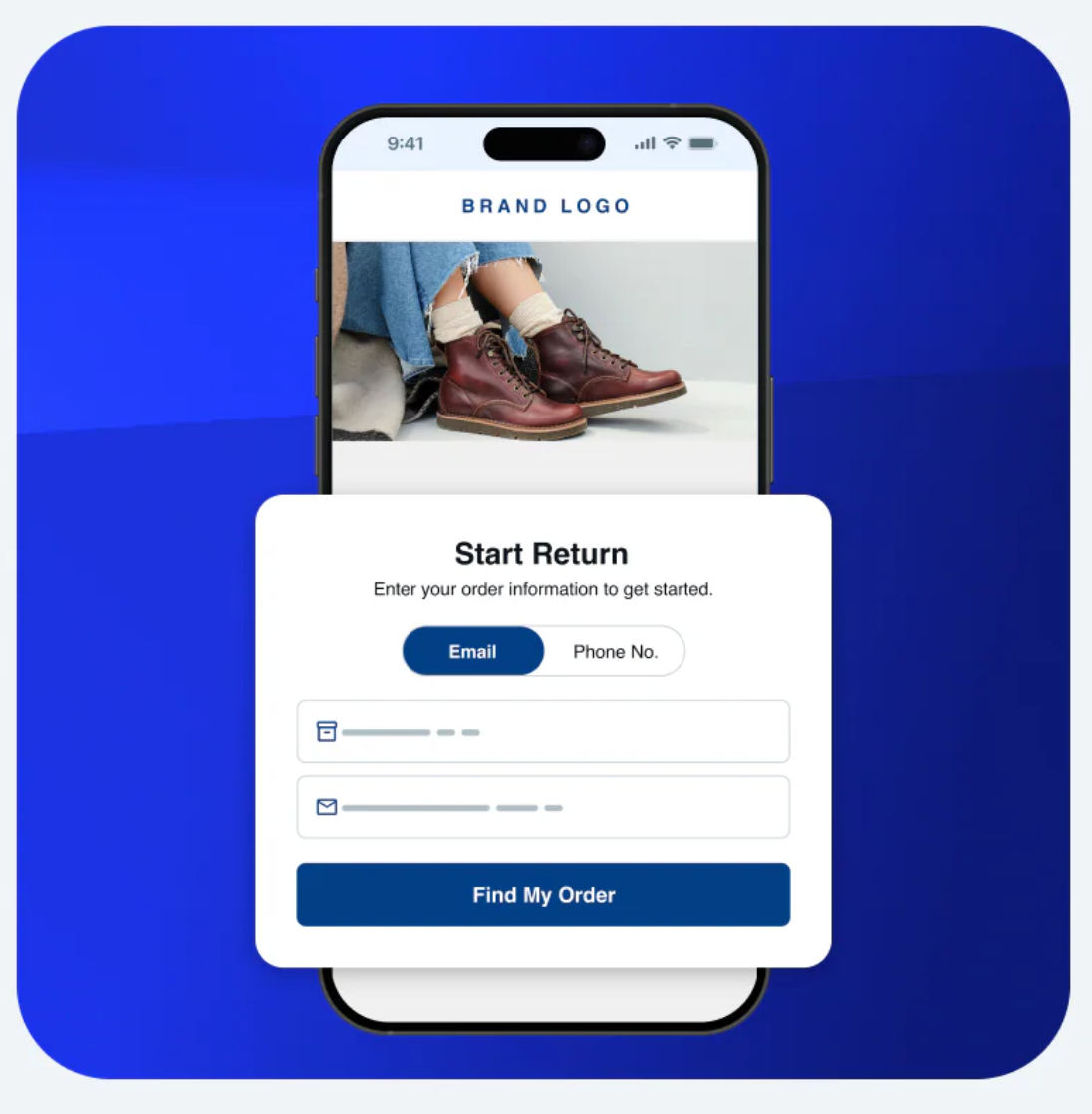
Branded Self-Service Portal: Offer customers a dedicated return portal to initiate return and exchange requests, track return shipping, and view return policies. Consumers can do all of it without contacting support.
-
Prepaid Return Labels: Automatically generate pre-paid return labels. That encourages shoppers to complete returns easily and affordably.
-
Flexible Refund Options: These apps allow customers to choose between cash refunds, store credit, or exchanges.
-
Integrated Returns Data & Analytics: Gain actionable insights into return rates, returned items, exchange trends, and future returns to prevent future returns and adjust product descriptions.
-
Inventory Sync: Updates stock levels in real-time to maintain accurate product availability and reduce operational errors.
-
Customer Experience Upgrade: Enhanced convenience leads to better customer satisfaction, improved customer loyalty, and more repeat customers.
Shopify Returns App vs. Manual Returns: Key Differences Compared
Understanding the core differences between Shopify returns apps and manual returns processes can help identify which approach aligns best with your ecommerce business needs.
| Feature | Manual Returns |
Shopify Returns App
|
| Return Request Handling | Manual via email/chat |
Automated Self-Service Portal
|
| Shipping Labels | Manually generated |
Auto-generated & branded
|
| Refund Method | Original payment method only |
Store credit, exchange, and refund
|
| Analytics & Insights | Not available |
Detailed returns data reports
|
| Inventory Sync | Manual updates |
Auto-sync with inventory
|
| Support Dependency | High | Minimal |
| Customer Experience | Fragmented |
Seamless and branded
|
Breaking Down the Differences Between Shopify Returns Apps and Manual Returns
Let us understand the key differences between the two.
1. How are return requests managed — manual email vs. self-service portal?
-
Manual: Requires email or phone requests.
-
App: Customers initiate return requests via a self-service portal, reducing dependency on support staff and speeding up the reverse logistics cycle.
2. How are return shipping labels generated for Shopify orders?
-
Manual: Generated manually or arranged by the customer.
-
App: Automated generation of return labels and prepaid return labels.
3. What refund options can Shopify returns apps offer customers?
-
Manual: Typically limited to the original payment method.
-
App: Offers store credit, full refund, and flexible exchange options.
4. How do return policies and customer communication differ?
-
Manual: Often unclear, inconsistent, and sent via email.
-
App: Clearly displayed return and exchange policies with real-time status updates and branded tracking notifications.
5. How does returns automation improve the post-purchase customer experience?
-
Manual: Time-consuming and support-heavy.
-
App: Seamless and automated, improving customer satisfaction and boosting customer loyalty through a better post-purchase experience.
6. What kind of returns analytics and data do Shopify apps provide?
-
Manual: Requires manual tracking; no insights are provided.
-
App: Real-time analytics for returns management optimization and identifying patterns that drive future returns.
7. How do Shopify returns apps reduce operational workload for customer service teams?
-
Manual: Higher workload for the customer service team.
-
App: Automation reduces manual tasks, improving operational flow and freeing up support resources.
When Should You Choose a Shopify Returns App vs. Sticking With Manual Returns?
Choosing between manual returns and Shopify returns apps depends on the scale, complexity, and growth aspirations of your e-commerce store. Here are scenarios when an app clearly makes a difference:
Choose a Shopify Returns App When:
-
Your ecommerce business is scaling rapidly: Higher order volumes mean more future returns. Manual returns become unmanageable, and you need reverse logistics processes that scale with you.
-
You want to boost customer loyalty: Offering store credit and easy exchange options improves the post-purchase experience and builds long-term retention.
-
Your customer service team is overburdened: Automated returns workflows reduce the number of support tickets and manual tasks, freeing your team for higher-value work.
-
You seek data-driven decision-making: Returns management software gives you returns data to refine return policies and product descriptions.
-
You aim to prevent future returns: Use insights to fix quality issues or sizing mismatches and proactively reduce your ecommerce return rate.
-
You want to offer free returns and retain more revenue: Apps make it easy to manage return shipping and refund options for better revenue retention.
Manual returns may still be suitable for micro businesses with a limited number of returns, but as complexity increases, the Shopify returns app becomes a necessity.
Try ClickPost Returns Plus to Simplify Your Shopify Returns Process in 2025
ClickPost Returns Plus is one of the top software options available for Shopify retailers seeking to optimize their returns management. As a native Shopify app, it enhances your post-purchase operations and boosts customer loyalty. When switching from manual workflows, choosing the right platform is critical. Our in-depth comparison of dedicated Shopify returns apps covers automation features, exchange logic, and pricing to help you decide and select the best solution for your business.
Why ClickPost Returns Plus stands out:
-
Automated return workflows for Shopify merchants of all sizes, eliminating the need for manual tracking and order management overhead
-
Branded return portal to provide a cohesive customer experience that reinforces your store identity
-
Multiple refund methods, including store credit, original payment method, and full refund options
-
Smart analytics dashboard to understand return reasons and reduce future returns
-
Integrated with inventory management systems to keep stock levels updated in real time
-
Prepaid and trackable return shipping that saves time and keeps customers informed throughout the reverse logistics journey
Whether you want to improve customer satisfaction, prevent future returns, or manage returns more efficiently, ClickPost Returns Plus delivers the right app for your business needs. If you run a fashion or apparel brand, you can also explore how a Shopify returns app for fashion stores can address size-related returns and high return volumes specific to that category.
Why Rethinking Your Returns Strategy Is Key to Retaining Ecommerce Customers
As ecommerce evolves, returns are a core component of the customer experience. Manual returns may have served their purpose in the past, but they fall short in today's fast-paced retail environment. Delays, inefficiencies, and limited flexibility not only frustrate customers but also impact long-term customer retention and brand perception. That is why Shopify returns apps are a necessity.
Smart Shopify merchants understand that automating the returns process is more than just about efficiency. It is about creating a competitive advantage, driving customer satisfaction, and enabling repeat customers. With tools like ClickPost Returns Plus, ecommerce businesses can turn the returns process from a liability into a revenue driver. In a world where ecommerce returns are inevitable, managing them well is what sets leading online stores apart.
The Logistics Automation Platform for E-commerce





We use cookies to keep the site working, understand usage, and improve your experience. Learn more
Always active for essential site performance and security.
Enables anonymous usage analysis to refine our services.
Used to present relevant promotions and advertising.